
Before You Go Out: A Pre-Season Electronics and Boat Prep Checklist
Prepare your boat electronics before launch to create an optimized on the water experience.
The start of a new year or boating season is the perfect time to make sure your boat and electronics are ready for the water. A little preparation now helps ensure everything works as expected when it matters most. Whether you cruise, fish, or do both, this checklist focuses on the essentials to help you start the season with confidence.
1. Update Your Software Before the Season Starts
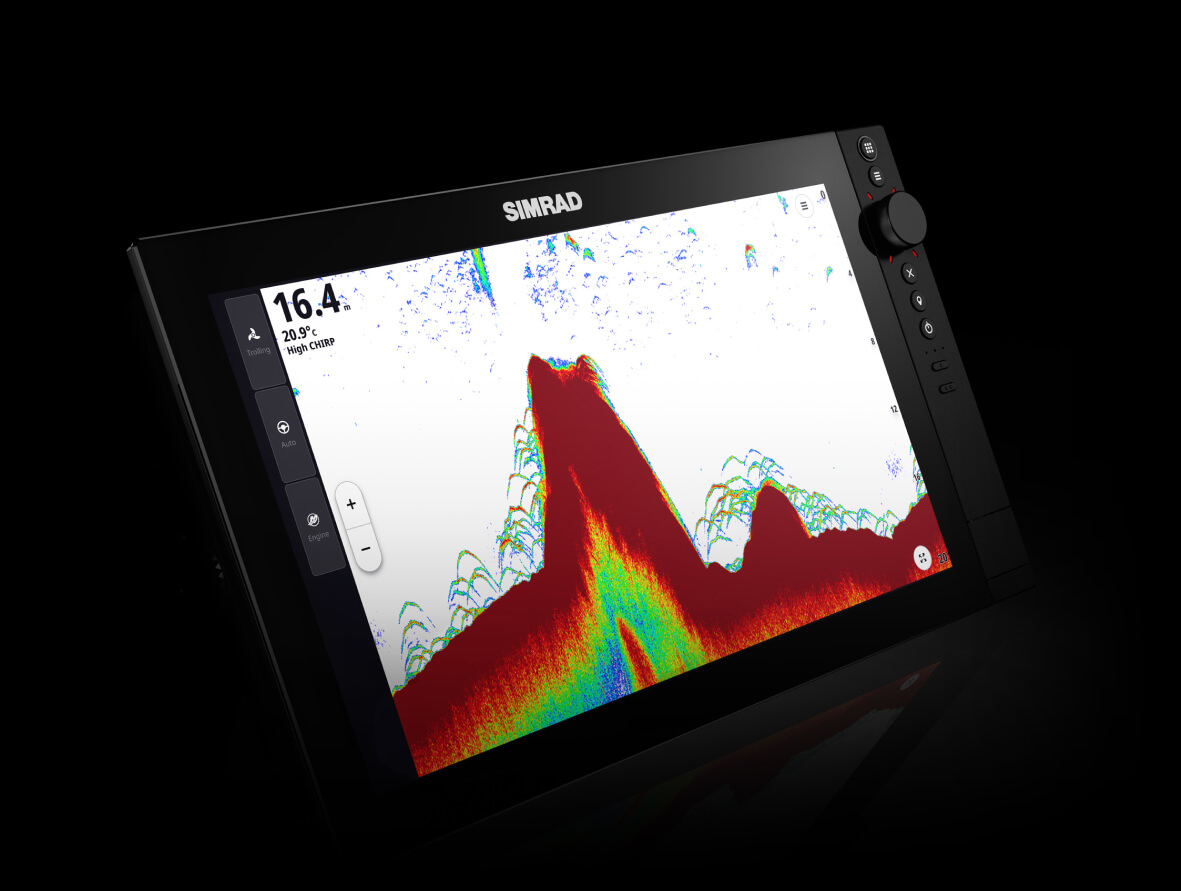
Keeping your software up to date is one of the most important steps in seasonal prep. Software updates often include performance improvements, ease-of-use refinements, and new features across your system, from chartplotters to radar and sonar. Updating at the dock gives you time to confirm everything is working properly and to get familiar with any changes before heading out.
2. Take Advantage of the Latest Radar and Chartplotter Features
Staying current on software also ensures you are getting the most from your electronics. Simrad® HALO® radars continue to evolve with updates that improve situational awareness and usability. Features like AutoTrack™ help automatically track moving targets, reducing manual adjustments and workload at the helm. Chartplotter updates can also improve responsiveness, menus, and everyday workflows, making your time on the water simpler and more intuitive.
3. Back Up Waypoints, Routes, and Tracks
Your saved data often represents years of experience on the water. As part of your pre-season routine:
- Back up waypoints, routes, and tracks to a memory card or external storage
- Keep a copy stored safely away from the boat
Regular backups help protect your favorite fishing spots, anchorages, and routes in case of a system issue or reset.
How-to Back Up and Transfer Waypoints
Back up your data
1. Insert a blank memory card into the Chartplotter.
2. Open the Waypoints, Routes, and Tracks menu.
3. Select Export or Back Up.
4. Choose the memory card as the destination.
5. Save the file and confirm it appears on the card.
Transfer to another device
1. Insert the memory card into the second Chartplotter.
2. Open the Waypoints, Routes, and Tracks menu.
3. Select Import.
4. Choose the saved file.
5. Confirm to load the data onto the device.
4. Check Power, Connections, and Network Health
Reliable electronics depend on solid connections. Before your first trip:
- Inspect power cables, fuses, and battery connections
- Confirm all networked devices are communicating properly
- Check radar, transducer, and antenna cabling for wear or corrosion
Catching small issues early can prevent frustration later.
5. Update or Upgrade Your Charts
Pre-season is also the right time to update or upgrade your charts. Make sure your navigation data is current, review routes, and confirm safety contours and depth shading are set appropriately for how and where you boat.
On NEON™ operating system devices*, C-MAP® charts can be updated or upgraded directly on the chartplotter using the built-in C-MAP® X Chart Store. No computer required. See the video in the full article for a step-by-step walkthrough. *NEON OS devices include Simrad® NSX®, NSX® ULTRAWIDE and NSS® 4.
6. Do a Quick Boat and Trailer Check
Electronics are only part of the picture.
Before the season begins:
- Check batteries, bilge pumps, and navigation lights
- Confirm safety gear is current and accessible
If you trailer your boat:
- Grease trailer bearings
- Check tire pressure and condition
- Test trailer lights and brakes
A quick once-over helps ensure a smooth start to the season.
Start the Season Ready
A small amount of preparation now can make a big difference all season long. Updating software, backing up data, refreshing charts, and checking your boat helps ensure your Simrad® electronics are ready from the first trip onward.